PhantomWP Is Now PhantomStudio
PhantomWP has a new name and a new address: phantomstudio.app. What changed, why, what you need to do (almost nothing), and why the lifetime deal ends soon.
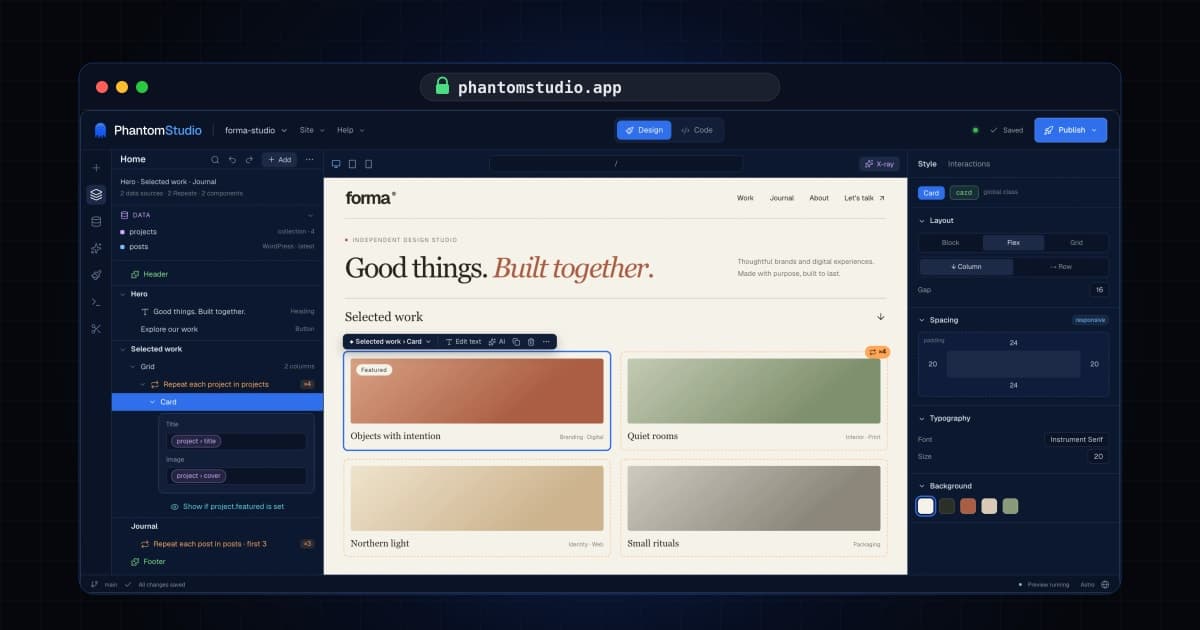
PhantomWP is now PhantomStudio, and it lives at phantomstudio.app.
Same product, same team, same account. Here's why the name changed, and what (little) you need to do.
Why a new name
PhantomWP started as a way to put a fast Astro frontend on top of WordPress. That's still a big part of what it does, and WordPress isn't going anywhere in it.
But the product grew past the name. Today you can build with content from WordPress, Sanity, Astro content collections or plain files. You can work visually in Design mode, with the AI agent, or straight in code. And you can deploy to Vercel or Cloudflare. A name with "WP" in it told half the story, and it made people who don't use WordPress think it wasn't for them.
PhantomStudio is the whole thing: a studio for building Astro sites, whatever your content lives in.
What you need to do
Almost nothing.
- Old links still work. Every phantomwp.com page sends you to the same page on phantomstudio.app. Bookmarks, emails and links in your docs keep working.
- Sign in once. Your browser keeps logins per address, so you'll be asked to sign in again on phantomstudio.app. Your account, projects and license are exactly where you left them.
- Your WordPress sites don't need anything. The PhantomWP Connect plugin, deploy hooks and the MCP server keep working on the old address, permanently. Plugin 2.4.0 uses the new address, but you don't have to update for anything to keep working.
- Your projects don't change. Your code is in your own GitHub repo, as always.
A few things depend on where your project runs:
- Cloud (Fly.io) workspaces update themselves the next time you open the project. Nothing to do.
- Local Docker workspaces need the latest image. Open the dashboard and click Update container on the project. If you don't have time right now, the editor shows a link to keep working on phantomwp.com until you do.
- GitHub Codespaces need the latest infrastructure. Open the project and click Update on the infrastructure banner. If the editor can't connect on the new address, it shows a link to run the update on phantomwp.com.
One small thing doesn't carry over: settings your browser saved, like custom themes and panel layouts, are stored per address, so you'll start with the defaults on phantomstudio.app.
The lifetime deal ends soon
Since the beginning, you could pay once and get PhantomStudio for life: unlimited projects, including client sites, and every future update.
That deal is ending soon. After it, PhantomStudio moves to yearly plans:
- Starter: $149/year, up to 3 projects
- Agency: $399/year, up to 100 client projects
If you've been waiting, now is the time. Lifetime access is still on the pricing page, with a 30-day money-back guarantee. Everyone who already bought it keeps it, forever, including every update to come.
Thank you
To everyone who used PhantomWP, sent bug reports, asked for features and told other people about it: thank you. The name changed; the product you helped shape didn't.
If anything doesn't work after the move, let me know and I'll fix it.